Why Your Business Needs a Progressive Web App in 2026
S.C.G.A. Team
March 13, 2026
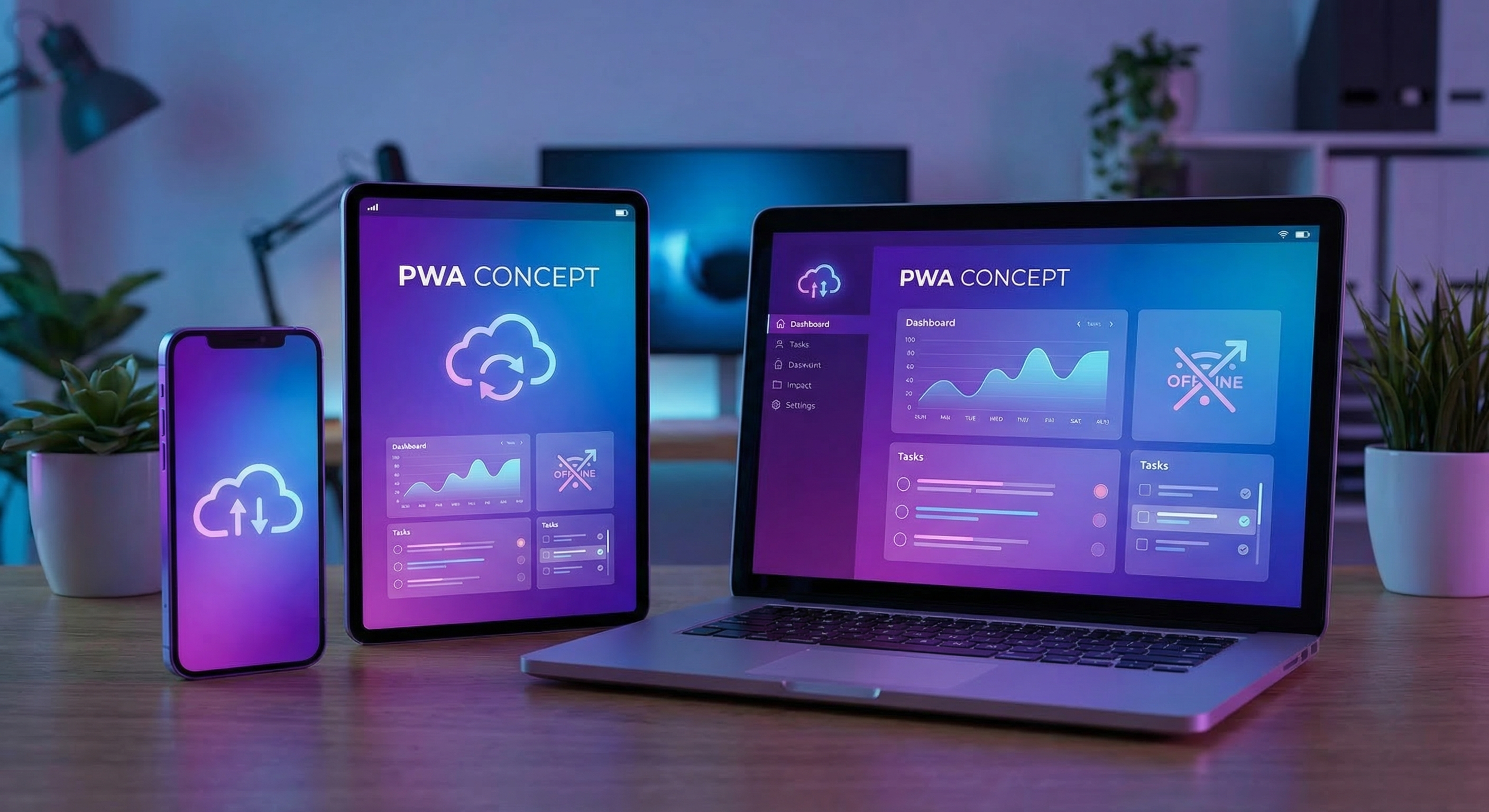
Progressive Web Apps are revolutionizing how businesses engage with customers through app-like experiences.
Progressive Web Apps (PWAs) are revolutionizing how businesses engage with customers, combining the best of web and mobile apps to create seamless user experiences. In 2026, having a PWA is no longer optional for businesses that want to stay competitive in the mobile-first world.
The mobile web has evolved dramatically, and user expectations have risen accordingly. Today’s consumers demand fast, reliable, and engaging experiences regardless of their device or network conditions. PWAs deliver exactly this - app-like experiences directly through the web browser, eliminating friction and barriers that traditional websites often face.
What is a PWA?
A Progressive Web App uses modern web capabilities to deliver app-like experiences to users. Unlike traditional websites, PWAs can be installed on a user’s device, work offline, send push notifications, and load nearly instantly. They represent a new paradigm in web development that bridges the gap between websites and native mobile applications.
PWAs are built using standard web technologies including HTML, CSS, and JavaScript, but they leverage advanced APIs to provide features previously only available in native apps. The “progressive” aspect means they work for every user, regardless of browser, while providing enhanced features on modern browsers.
Core Technologies Behind PWAs
Service Workers
Service workers are the technology that enables PWAs to work offline and load instantly. They act as a proxy between the web application and the network, enabling features like background sync, push notifications, and caching strategies.
Service workers can cache critical resources, allowing the app to function without network connectivity. They also enable pre-caching of assets for instant loading and allow web apps to update their content in the background.
Web App Manifest
The web app manifest is a JSON file that defines how the PWA appears when installed on a user’s device. It controls the app’s name, icons, colors, and display mode, creating a native-app-like presence on the home screen.
A properly configured manifest ensures the PWA looks professional and trustworthy when installed, with appropriate icons, splash screens, and theming that aligns with your brand.
HTTPS
Security is fundamental to PWAs. Service workers require HTTPS to function, ensuring all communication between the app and server is encrypted. This security requirement also improves SEO and builds user trust.
Key Benefits for Business
BenefitDescriptionBusiness Impact Works OfflineUsers can access without internetEngage users in low-connectivity areas Instant LoadingNear-instant page loadsReduced bounce rates, better SEO No App StoreInstall directly from websiteNo 30% fee, faster distribution Push NotificationsRe-engage users effectivelyHigher engagement and retention DiscoverableFindable by search enginesBetter SEO performance Cross-PlatformWorks on any deviceSingle codebase for all platforms Update AutomaticallyAlways up-to-dateNo user update required
Success Stories: Leading Companies Using PWAs
Twitter’s PWA (Twitter Lite) has been incredibly successful, increasing engagement significantly. The lightweight nature of the PWA makes it accessible to users on slow networks, expanding Twitter’s reach to emerging markets.
Starbucks
Starbucks’ PWA is one of the largest in the world, allowing customers to browse the menu, customize orders, and find nearby locations. The PWA resulted in 2x daily active users compared to their previous mobile web experience.
Flipkart
India’s largest e-commerce company Flipkart saw a 70% increase in conversions after launching their PWA. The instant loading and offline capabilities dramatically improved the mobile shopping experience.
Uber
Uber’s PWA allows users to book rides even on slow 2G networks, expanding their service to areas with limited connectivity. The small footprint (under 50KB) makes it accessible to virtually any device.
Forbes
Forbes saw a 43% increase in engagement and 100% increase in session duration with their PWA. The instant loading and personalized content delivery keeps readers engaged longer.
PWA vs Native App: Making the Right Choice
When to Choose PWA
- Limited development resources
- Targeting broader audience across devices
- Content-focused applications
- Need for instant updates
- Want to avoid app store fees
- SEO is important for your business
When Native App Might Be Better
- Need full hardware access
- Complex animations or graphics
- Background processing requirements
- Existing native app infrastructure
- Specific platform features required
Implementation Considerations
Development Approach
Building a PWA can be done from scratch or by adding PWA capabilities to existing websites. Many modern frameworks like React, Vue, and Angular have PWA templates that simplify the process.
Testing and Quality Assurance
Testing PWAs requires special attention to offline functionality, service worker behavior, and cross-browser compatibility. Tools like Lighthouse provide comprehensive PWA auditing.
Browser Support
PWA features are supported in all modern browsers including Chrome, Firefox, Safari, and Edge. While some advanced features may have limited support, core functionality works across platforms.
Cost Comparison: PWA vs Native App
FactorPWANative App Development Cost30-50% of nativeFull investment MaintenanceSingle codebaseMultiple codebases DistributionDirect to usersApp store approval UpdatesInstant and automaticUser action required TimelineWeeksMonths
Best Practices for PWA Success
Performance First
Speed is crucial. Use techniques like code splitting, lazy loading, and image optimization to ensure near-instant loading times.
Offline-First Design
Design for offline scenarios from the start. Identify critical functionality that must work without connectivity.
Engaging Notifications
Use push notifications strategically. Too many notifications lead to uninstalls, while well-timed notifications drive engagement.
Continuous Improvement
Monitor user behavior and continuously iterate. Use analytics to understand how users engage with your PWA.
PWA Development Process: A Step-by-Step Guide
Building a successful Progressive Web App requires careful planning and execution across multiple phases. Understanding this process helps businesses set realistic expectations and prepare adequately for PWA development.
Phase 1: Discovery and Planning
Every successful PWA project begins with thorough discovery. During this phase, you define the core functionality your PWA must deliver, identify the user experience requirements, and assess technical constraints. Key questions include: What problem does your PWA solve? Who are your target users? What features are essential versus nice-to-have?
This phase also involves auditing your existing website to identify opportunities for PWA enhancement. If you already have a responsive website, much of the foundation is already in place. The focus shifts to adding PWA-specific features while ensuring existing functionality remains intact.
Phase 2: Technical Foundation
The technical foundation of a PWA consists of three core components: HTTPS security, a web app manifest, and service workers. HTTPS is non-negotiable—service workers simply will not function without secure connections. If your website is not yet on HTTPS, this must be addressed first.
The web app manifest defines how your PWA appears when installed. This JSON file controls your app’s name, icons across different sizes, theme colors, display mode, and start URL. Investing time in creating proper icons and defining appropriate theme colors ensures your PWA looks professional on user home screens.
Phase 3: Service Worker Implementation
Service workers form the backbone of PWA functionality. They enable offline access, faster loading, and background synchronization. Implementing service workers involves defining caching strategies that balance performance with data freshness.
For content that rarely changes, a cache-first strategy works well—the PWA serves cached content immediately and updates in the background. For dynamic content, a network-first approach ensures users see fresh data while maintaining offline access for resilience. Many PWAs use hybrid approaches, caching static assets aggressively while remaining flexible with dynamic content.
Phase 4: Feature Enhancement
Once the core PWA infrastructure is in place, focus shifts to enhancing the user experience with advanced features. Push notifications require server-side implementation but dramatically improve re-engagement. Background sync enables your PWA to complete data submissions even when connectivity is lost. Add-to-homescreen prompts encourage installation without being pushy.
Phase 5: Testing and Optimization
Thorough testing is essential for PWAs due to their complexity. Test offline functionality rigorously across different network conditions. Verify that push notifications work correctly on all target platforms. Use Chrome DevTools’ Lighthouse to audit PWA compliance and identify improvement opportunities.
Performance optimization is critical—PWAs should load nearly instantly even on slow connections. Optimize images, minify code, and implement lazy loading for non-critical resources. Regular performance monitoring ensures your PWA continues to deliver excellent user experiences as you add new features.
Phase 6: Deployment and Monitoring
Deploying a PWA requires careful coordination. Ensure your hosting environment supports HTTPS and can serve the web app manifest and service worker files with appropriate caching headers. Monitor PWA performance using analytics tools that track engagement metrics, notification response rates, and reinstall rates.
Post-deployment monitoring should track key PWA-specific metrics: installation rates, notification opt-in rates, offline usage frequency, and user engagement trends. These metrics reveal how effectively your PWA is serving users and where optimization opportunities exist.
Advanced PWA Features for Enterprise Applications
Beyond basic PWA functionality, advanced features enable sophisticated enterprise applications:
Background Sync
Background sync allows your PWA to defer actions until the user has stable connectivity. When a user submits a form offline, background sync queues the submission and completes it automatically when connectivity is restored. This enables rich offline-first experiences for field service applications, inventory management, and data collection tools.
Push Notifications
Modern push notification APIs enable sophisticated re-engagement strategies. Segment your notification audiences based on user behavior, personalize notification content, and time deliveries for maximum impact. Too many notifications lead to uninstallation—respect user preferences and provide genuine value with each notification.
Credential Management
The Credential Management API enables seamless authentication experiences. Users can sign in with a single tap using stored credentials, eliminating password frustration while maintaining security. Combined with two-factor authentication, this approach balances security with usability.
Payment Request API
For e-commerce PWAs, the Payment Request API streamlines checkout by allowing users to pay using payment methods stored in their browser. This dramatically reduces cart abandonment rates by eliminating the need to enter payment and shipping information repeatedly.
PWA Performance Optimization
Performance is paramount for PWA success. Users expect near-instant loading, and every second of delay impacts engagement and conversion rates.
Core Web Vitals
Google’s Core Web Vitals—Largest Contentful Paint, First Input Delay, and Cumulative Layout Shift—measure user-perceived page experience. PWAs should target LCP under 2.5 seconds, FID under 100 milliseconds, and CLS under 0.1. Achieving these targets requires careful attention to rendering performance, resource loading strategies, and layout stability.
Code Splitting
Break your JavaScript into smaller chunks that load on demand. This reduces initial load time dramatically while ensuring users only download code for features they actually use. Modern bundlers like webpack and Rollup support automatic code splitting with minimal configuration.
Image Optimization
Images often represent the largest portion of page weight. Use modern image formats like WebP and AVIF, implement responsive images that load appropriate sizes for each device, and lazy-load images below the fold. Consider using image CDNs that automatically optimize images on-demand.
Resource Caching Strategies
Implement sophisticated caching strategies using service workers. Cache static assets with long expiry times, prefetch critical resources on predicted navigation, and use stale-while-revalidate for content that updates periodically. The right caching strategy can make your PWA load instantly even on 3G networks.
PWA vs Native: The Real Trade-offs
The PWA versus native app debate continues, but the trade-offs are increasingly clear for most use cases.
Development Cost and Time
Building a native app for iOS and Android typically costs 2-3 times more than developing a comparable PWA. Native development requires separate codebases or expensive cross-platform frameworks, longer development cycles, and ongoing maintenance across multiple platforms. PWAs require a single codebase that works everywhere.
Distribution and Discovery
Native apps distribute through app stores, which provides visibility but also imposes barriers. App store approval processes can delay releases, and app store fees reduce profit margins. PWAs distribute directly from your website—no approval needed, no fees, instant updates reach all users simultaneously.
Feature Capabilities
Native apps retain access to all device features, while PWA access to device capabilities varies by platform. Advanced features like Bluetooth, NFC, advanced camera controls, and background processing may have limited PWA support. However, PWA capabilities continue to expand rapidly as browsers add new APIs.
User Acquisition and Retention
App store users typically cost more to acquire but may demonstrate higher lifetime value in some contexts. PWA users often have lower friction to try your product, making PWAs excellent for user acquisition and testing new markets. Many successful products use both—PWA for broad reach and native apps for power users wanting deep device integration.
Conclusion
Progressive Web Apps deliver native-app-like experiences at a fraction of the cost and complexity of developing native applications. For most businesses in 2026, a PWA represents the smartest investment in mobile web presence.
At S.C.G.A., we specialize in building modern web applications including Progressive Web Apps. Contact us today to learn how we can help you develop a PWA that engages your customers and drives business growth.
Or subscribe on your favourite platform: